See it in action
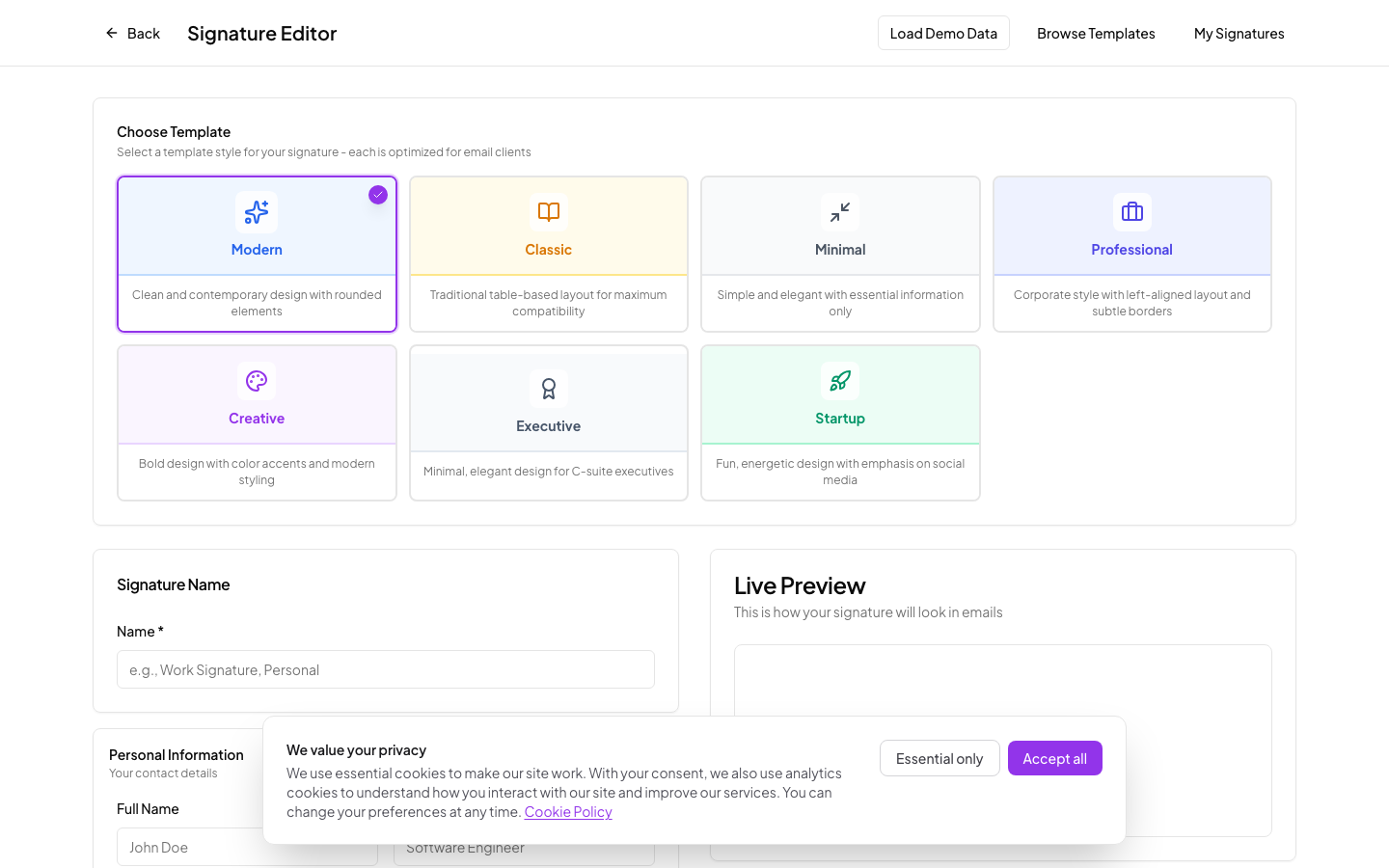
Real screenshots from the actual editor and dashboard.
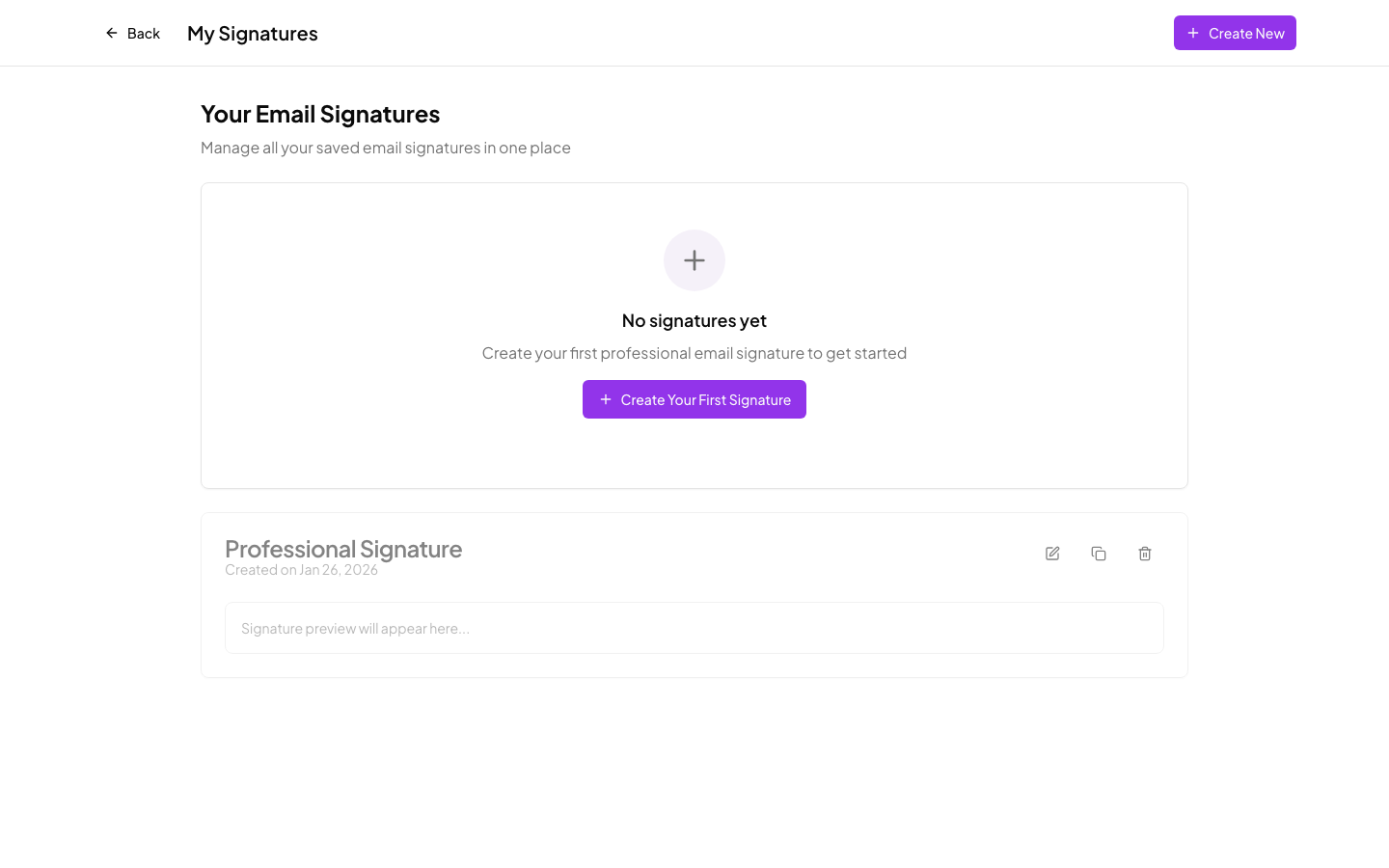
Save and manage multiple signatures
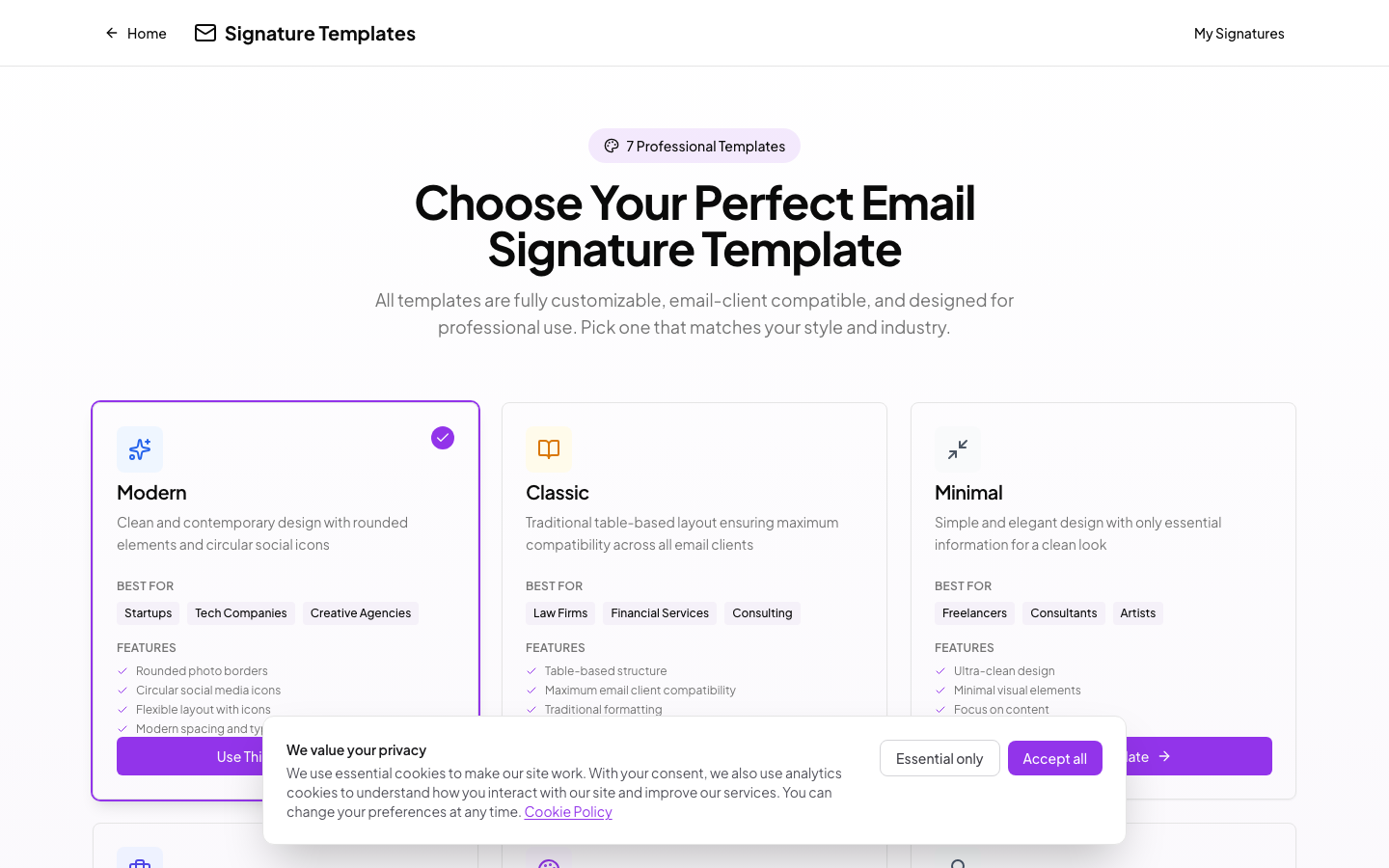
7 templates to start from
What's included
7 templates
Modern, Classic, Minimal, Professional, Creative, Executive, and Startup styles.
Social links
Add LinkedIn, Twitter, Instagram, and other profiles with matching icons.
Copy or download
Copy to clipboard for Gmail and Outlook, or download as HTML for any email client.
Live preview
The signature updates as you type. What you see is what gets pasted into your email client.
Multiple signatures
Save different signatures for work, freelance, or personal use. Switch between them anytime.
Works everywhere
Inline styles and email-safe HTML so signatures render correctly in Gmail, Outlook, Apple Mail, and others.
How it works
Pick a template
Create a free account and choose from 7 templates.
Add your details
Fill in your name, title, photo, colors, and social links. The preview updates as you type.
Copy and paste
Copy with one click and paste into Gmail, Outlook, or Apple Mail. Done.
Make your emails look better
Build a signature in a few minutes. Free to start, $29 for lifetime access to all features.