StackBloom Automate
Connect your apps and let workflows run on their own
Build automations visually. Pick a trigger, add actions, and let it run. Works with webhooks, cron schedules, and 25+ built-in integrations.
What you can build
A visual editor, real-time triggers, conditional logic, and execution logs.
See all features →Visual workflow editor
Drag and drop nodes to connect services. No code needed.
Webhooks and schedules
Start workflows from incoming webhooks or run them on a cron schedule.
25+ integrations
Slack, GitHub, Stripe, Gmail, Google Sheets, and more. Or hit any REST API with the HTTP action.
If/else and loops
Add branches, loops, and filters. Route data based on whatever conditions you need.
Execution logs
See every run with timestamps, inputs, outputs, and errors. Filter by status or date.
Encrypted credentials
API keys and tokens are encrypted at rest. Audit logs and role-based access for teams.
See it in action
Real screenshots from the actual dashboard.

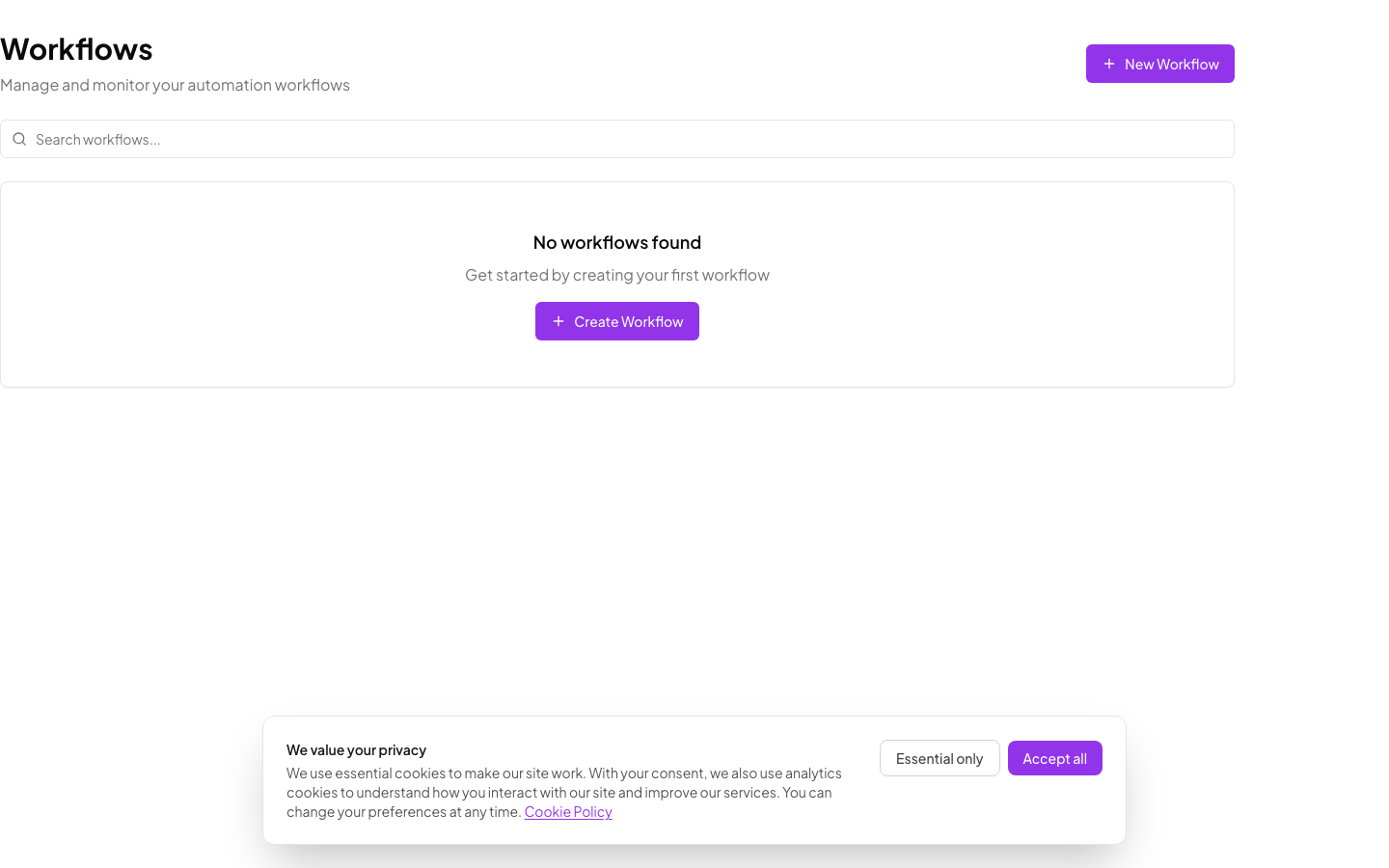
Manage all your workflows in one place
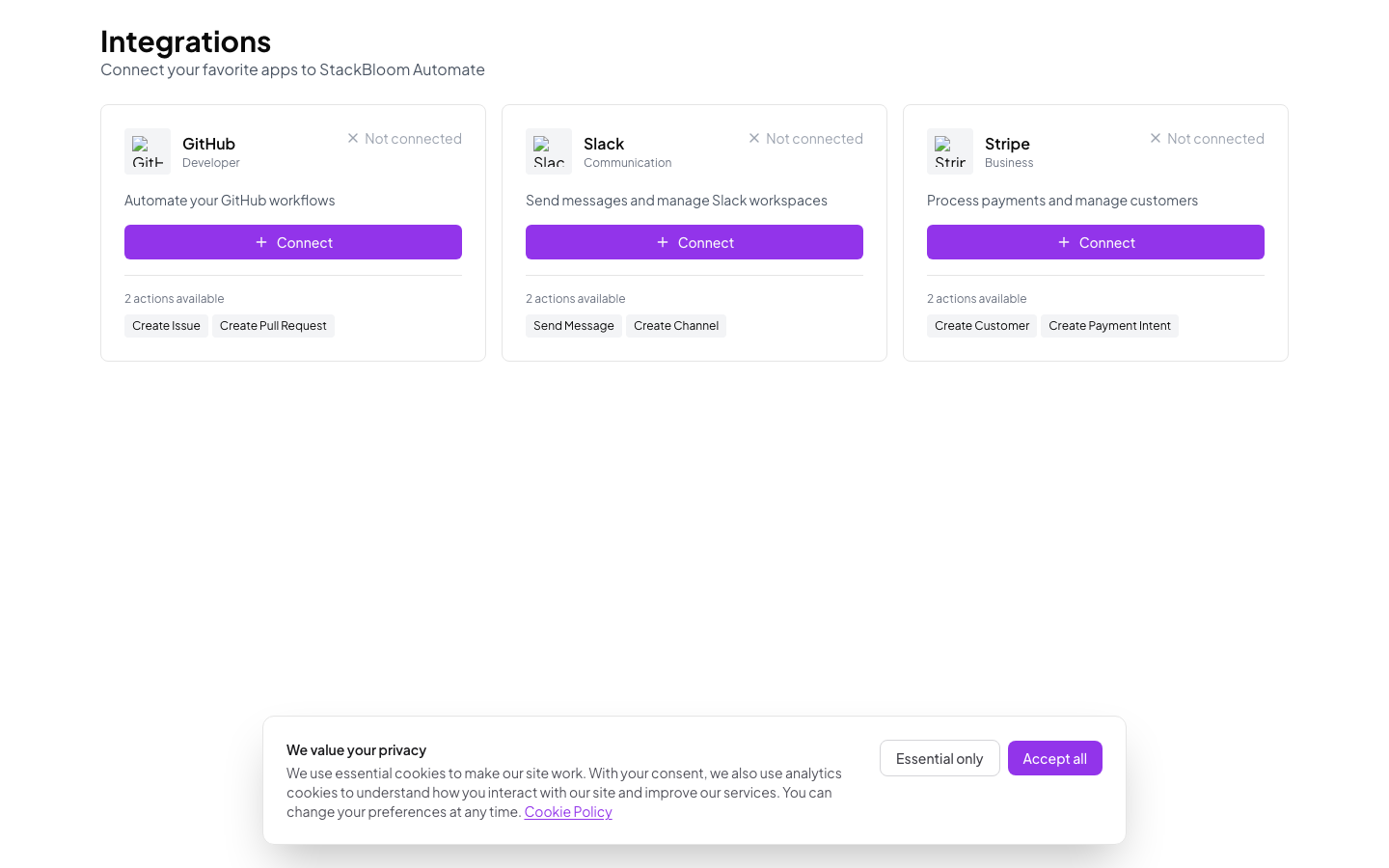
25+ built-in integrations
How it works
Pick a trigger, add your actions, turn it on.
Pick a trigger
Webhook, schedule, or manual button. The workflow fires when the trigger condition is met.
Add actions
Send a Slack message, call an API, update a spreadsheet. Chain as many steps as you need.
Turn it on
Test with sample data, then activate. Check execution logs anytime from the dashboard.
Example use cases
A few things people build with Automate.
Email routing
Auto-respond to incoming emails or forward them based on sender, subject, or content.
Payment flows
When a payment lands in Stripe, update your CRM, send a receipt, and notify the team.
Incident alerts
Route alerts to the right Slack channel based on severity and affected service.
Social posting
Publish to multiple platforms from one workflow. Collect engagement stats in a spreadsheet.
Build your first workflow
Free tier includes 5,000 tasks per month. No credit card required.