Documentation
Learn how to set up and manage your scheduling
Getting Started
1
Create an account
Sign up free. Takes about a minute.
2
Set your hours
Pick which days and times you're available, and your time zone.
3
Add meeting types
Create a 15-min call, a 60-min session, whatever you need.
4
Share the link
Send your booking page link to clients. They pick a time, you both get a calendar invite.
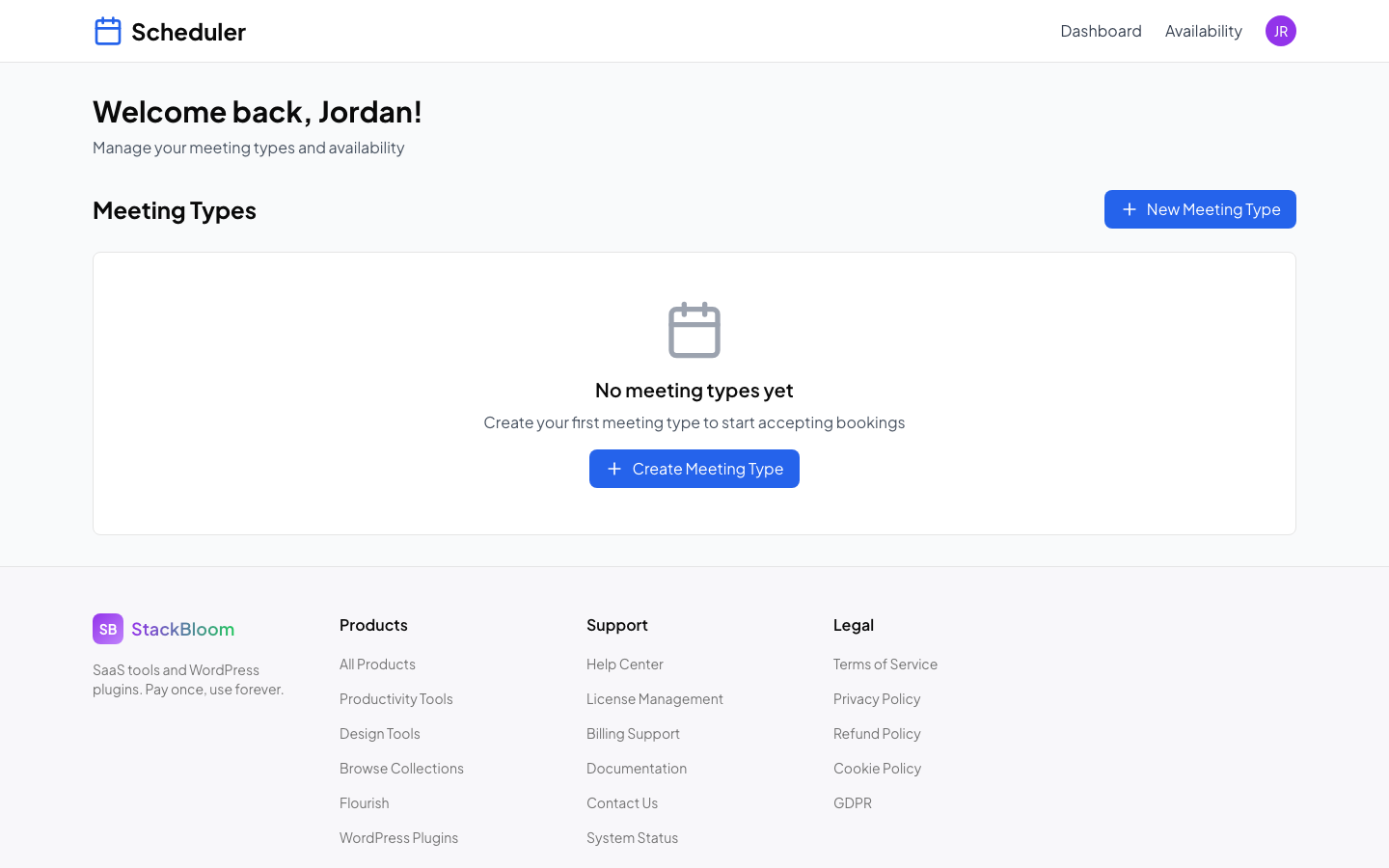
Your booking dashboard -- upcoming appointments, meeting types, and availability at a glance
FAQ
How do I set my availability?
Go to Dashboard → Availability and configure your weekly schedule.
Can I connect my calendar?
Yes! Connect Google Calendar, Outlook, or iCloud in Settings → Integrations.
How do clients book with me?
Share your booking page link. Clients select a time and book instantly.
Can I customize my booking page?
Yes! Add your branding, colors, and custom questions in Settings.