Documentation
Guides for building forms, setting up notifications, and embedding
Getting started
Create an account
Sign up for free to start building forms
Build your first form
Use the drag-and-drop builder to add fields
Customize it
Add your branding, pick a theme, configure field validation
Publish and share
Embed on your site or share a direct link
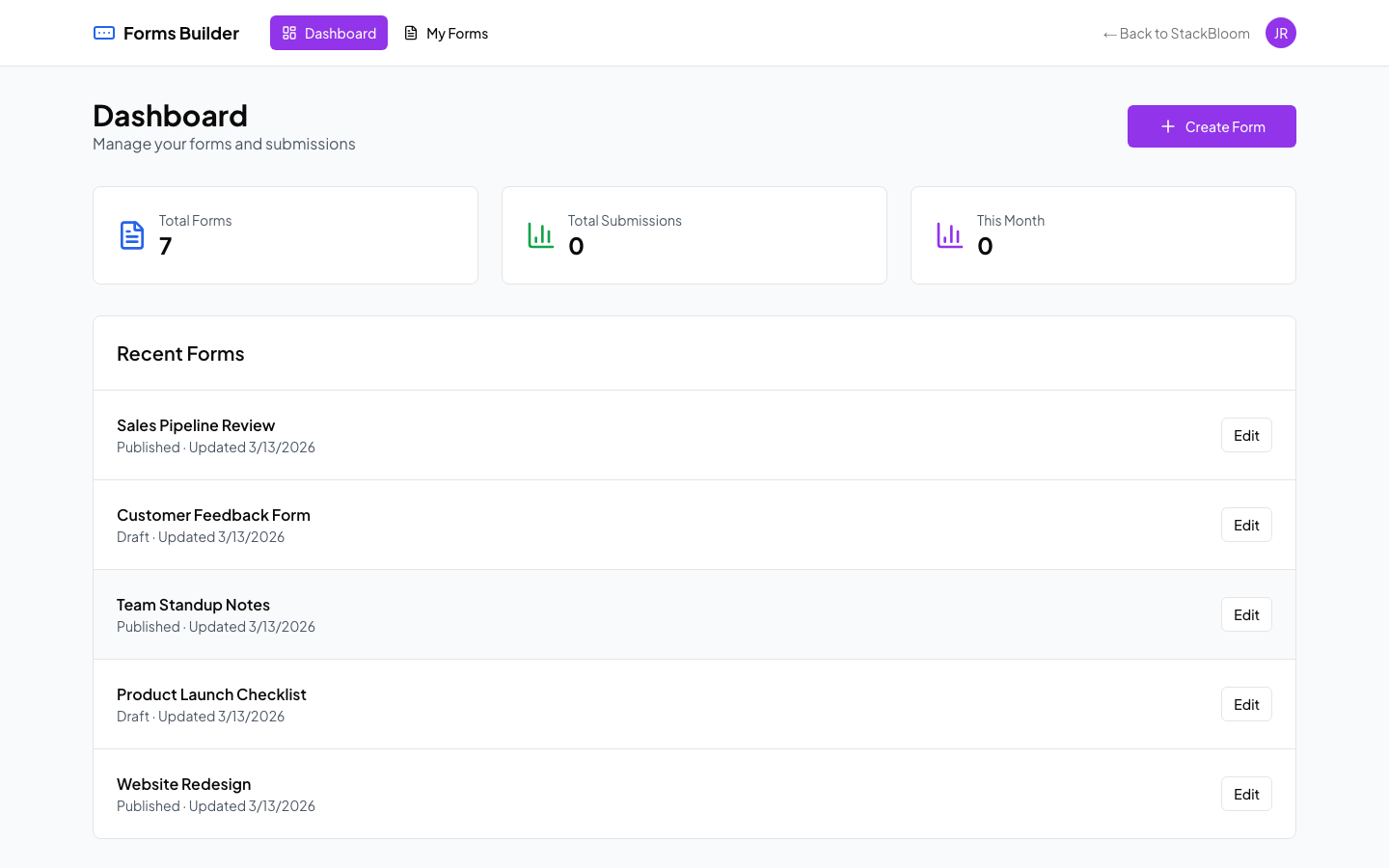
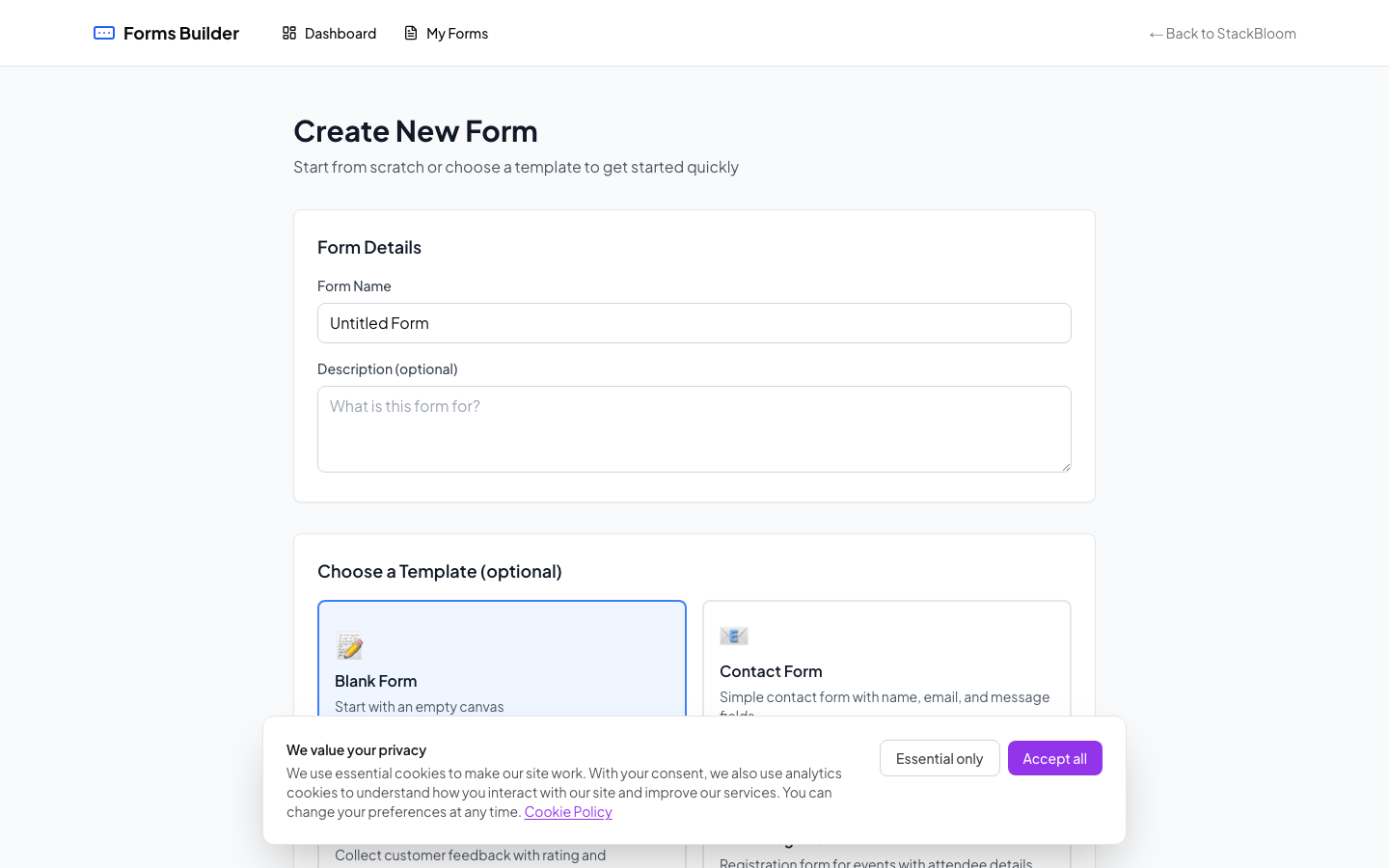
The form builder with drag-and-drop fields and live preview
Core features
Form builder
Drag and drop fields to create forms. Supports text, email, number, dropdown, checkbox, radio, date picker, file upload, and more.
- 15 field types
- Conditional logic
- Field validation rules
Embed forms
Add forms to any website with a code snippet. Works on WordPress, Webflow, and plain HTML.
- Inline embed
- Popup modal
- Direct link sharing
Webhooks
Send submission data to your CRM, email tools, or any endpoint that accepts POST requests.
- Real-time webhooks
- Custom headers
- Automatic retries on failure
Analytics
Track form performance with detailed analytics dashboard.
- Submission tracking
- Completion rates
- Field-level insights
Common questions
How do I create my first form?
After signing in, click 'Create Form' from your dashboard. Use the drag-and-drop builder to add fields, customize styling, and publish.
Can I embed forms on my website?
Yes! Copy the embed code from your form settings and paste it into your website's HTML. Works with WordPress, Webflow, and any HTML site.
How do I set up email notifications?
Go to Form Settings → Notifications. Add recipient emails and customize the notification template.
Can I export form submissions?
Yes! Click 'Export' on the submissions page to download all responses as a CSV file.
What are webhooks and how do I use them?
Webhooks send form data to external services in real-time. Go to Form Settings → Webhooks, add your endpoint URL, and we'll POST submission data there.