Documentation
Everything you need to run successful email marketing campaigns
Getting started
Create an account
Sign up for CampaignBloom and connect your sending domain with DKIM and SPF authentication for maximum deliverability.
Import your subscribers
Upload a CSV file or add subscribers manually. Create lists to organize your audience into distinct groups.
Create your first campaign
Use the drag-drop email builder or pick a template. Write your subject line, preview text, and body content.
Send and track results
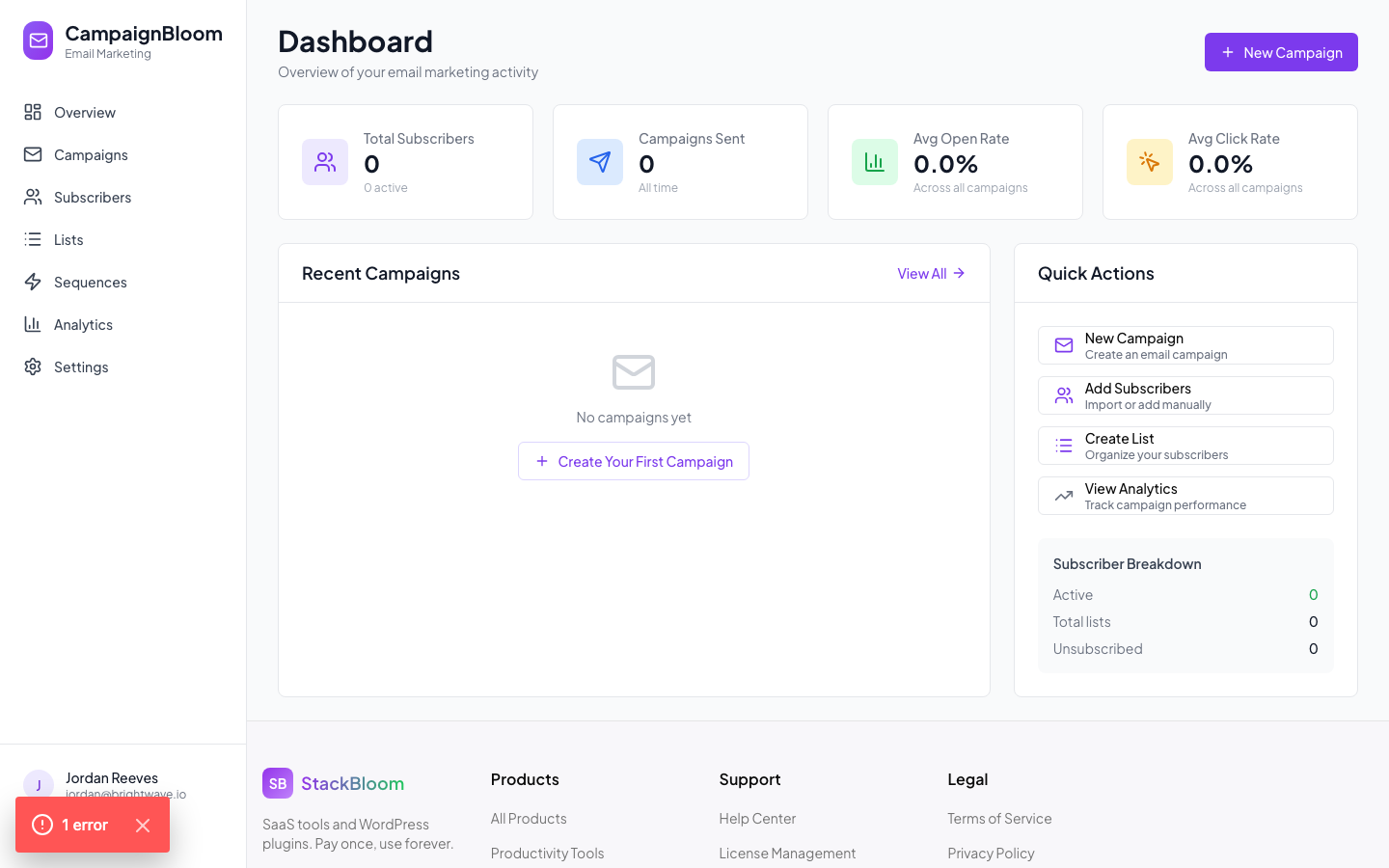
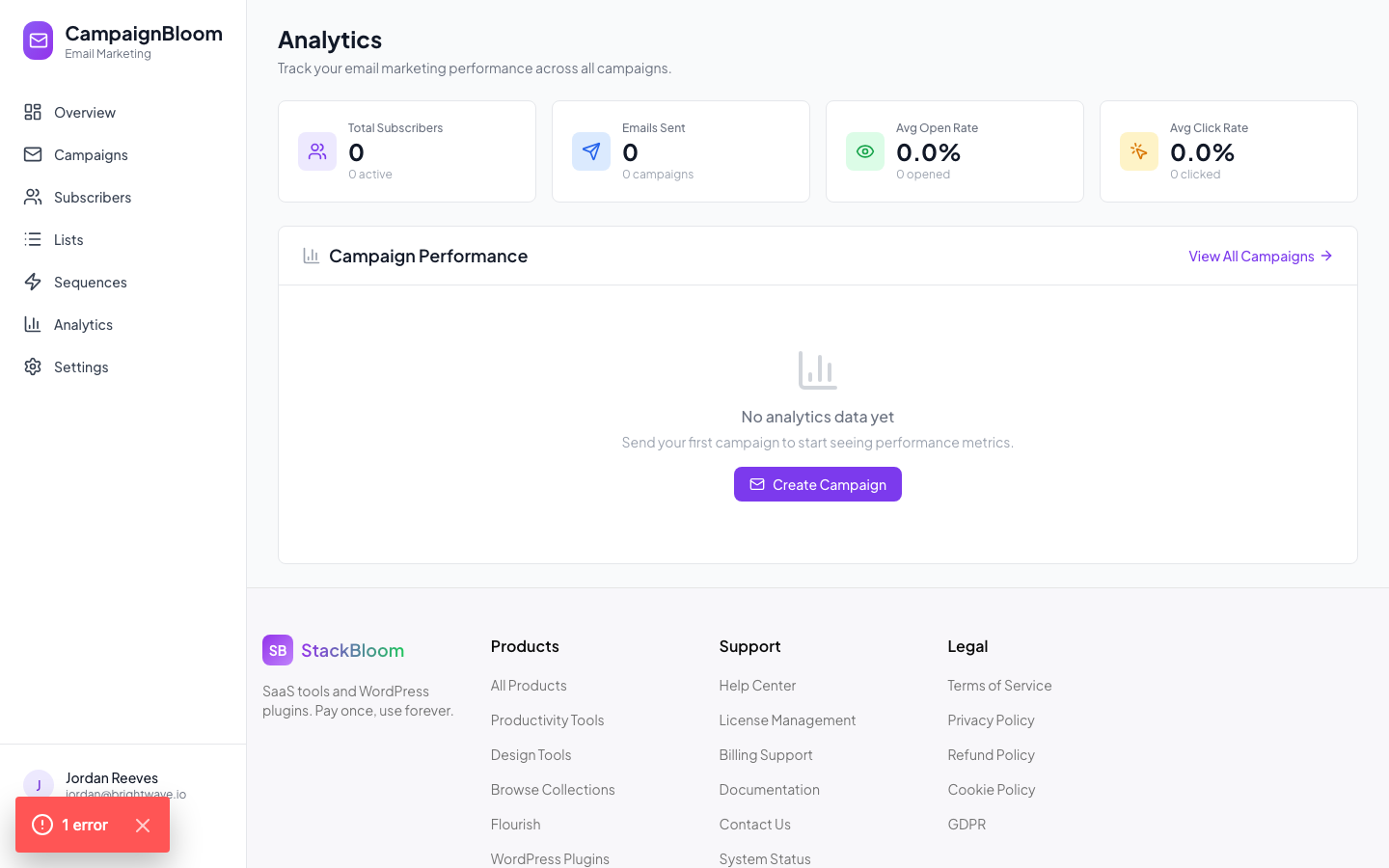
Schedule or send immediately. Watch open rates, click rates, and heatmaps roll in on your campaign analytics dashboard.
Campaign analytics and automation sequences
Core features
Email builder
Design beautiful emails with the drag-drop editor. Choose from 20+ templates or start from scratch. Preview on desktop and mobile before sending.
- Drag-drop block editor
- 20+ responsive templates
- Custom HTML/CSS editor (Pro+)
Subscriber lists
Manage your audience with multiple lists. Import via CSV, capture via signup forms, and keep your list healthy with automatic bounce and unsubscribe handling.
- Unlimited lists
- CSV bulk import
- Automatic bounce suppression
Segments and tags
Slice your audience into targeted segments using tags, engagement history, or custom fields. Send more relevant campaigns and watch your open rates climb.
- Custom tag system
- Behavior-based segments
- Dynamic audience updates
Automation sequences
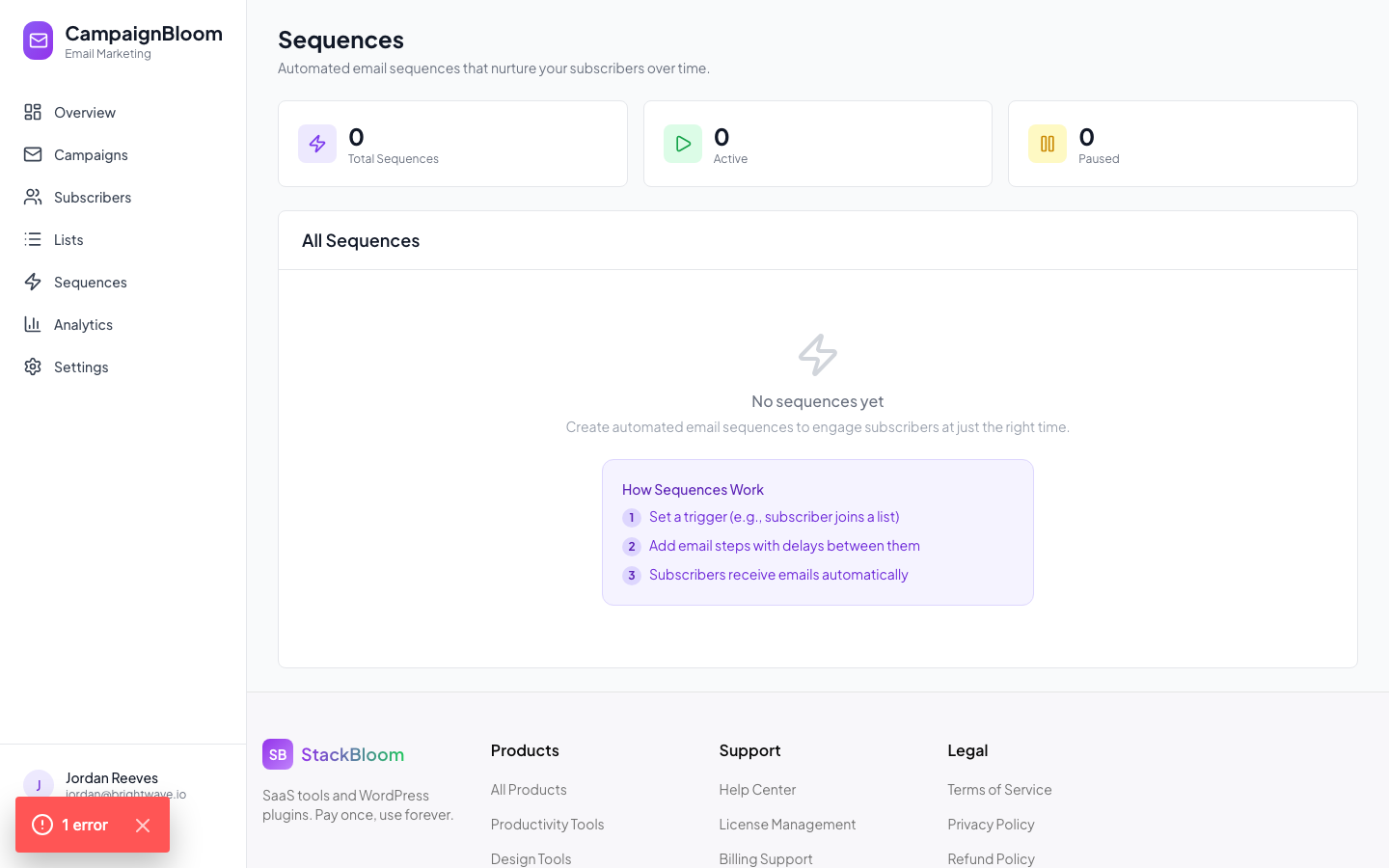
Build welcome flows, drip sequences, and trigger-based emails that run on autopilot. Nurture subscribers from first contact to loyal customer without lifting a finger.
- Welcome sequences
- Drip campaigns with delays
- Click and open triggers
A/B Testing
Test subject lines, preview text, email body content, and send times. CampaignBloom automatically sends the winning variant to the rest of your list.
- Subject line testing
- Content variant testing
- Auto-winner selection
Analytics
Track opens, clicks, unsubscribes, and bounces for every campaign. View click heatmaps to understand how subscribers interact with your emails.
- Open and click rates
- Click heatmaps (Pro+)
- List growth reports
Common questions
How do I import my existing subscribers?
Go to Subscribers → Import. Upload a CSV file with at minimum an email column. Map your CSV columns to CampaignBloom fields during the import wizard. Duplicates and invalid addresses are automatically skipped.
How do I improve my email deliverability?
Start by setting up DKIM and SPF records for your sending domain under Settings → Sending Domain. Run a spam score check on your campaign before sending. Keep your list clean by removing hard bounces and inactive subscribers regularly.
How do I set up an automation sequence?
Go to Automations → Create Sequence. Choose a trigger (new subscriber, link click, tag added) and then add email steps with time delays between them. Each step uses the email builder so you can design each message independently.
How does A/B testing work?
When creating a campaign, click "Run A/B Test" and create two variants (e.g. two different subject lines). Choose what percentage of your list receives each variant and how long to wait before picking a winner. CampaignBloom automatically sends the winning variant to the remainder of your list based on the highest open or click rate.
How are unsubscribes handled?
Every campaign automatically includes a one-click unsubscribe link in compliance with CAN-SPAM and GDPR. When a subscriber clicks it, they are immediately suppressed from all future sends. You can manage suppression lists under Subscribers → Unsubscribed.