Email signature docs
How to create a signature and add it to your email client
Getting started
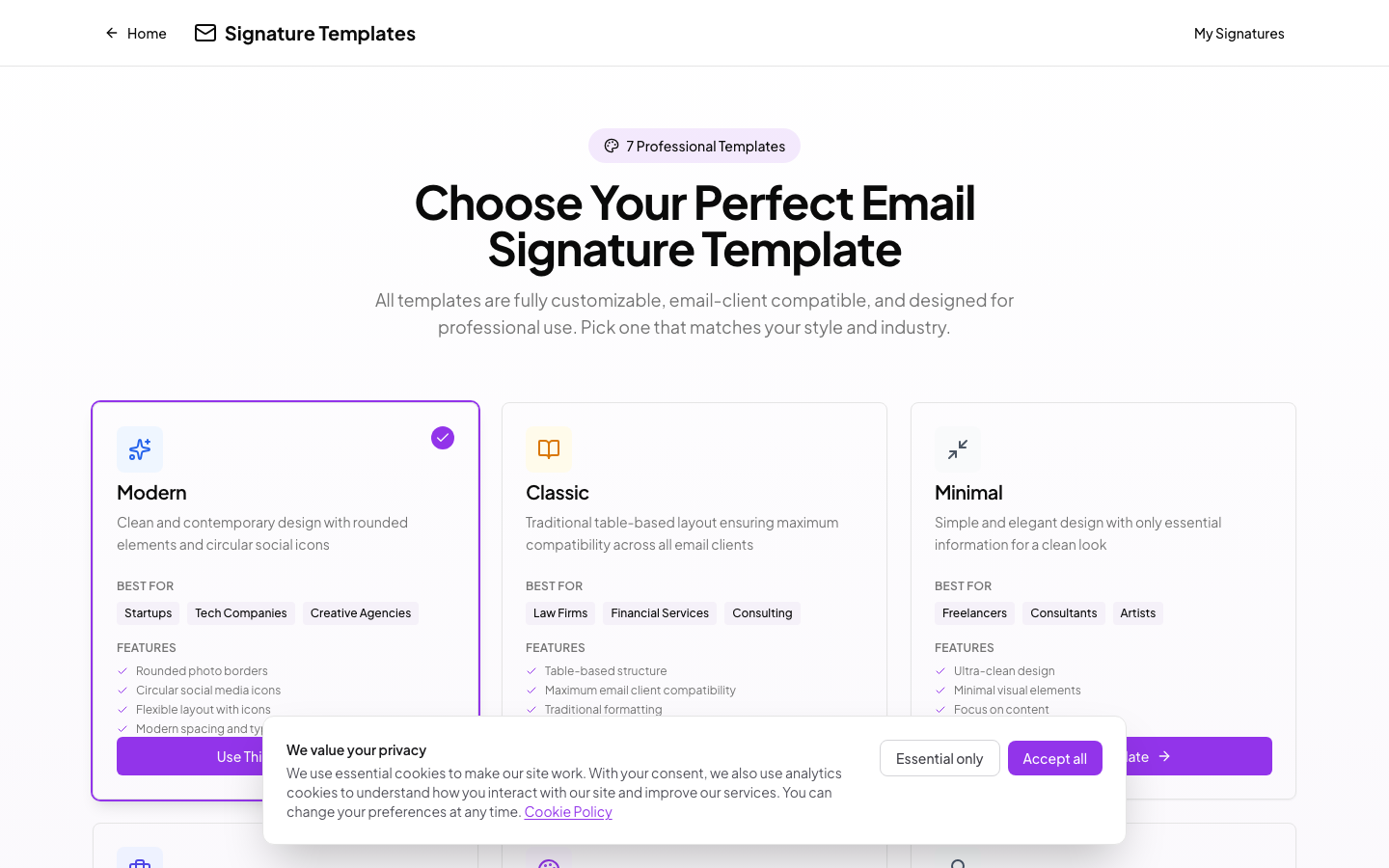
1. Pick a template
Browse 7 templates and pick one that fits your style.
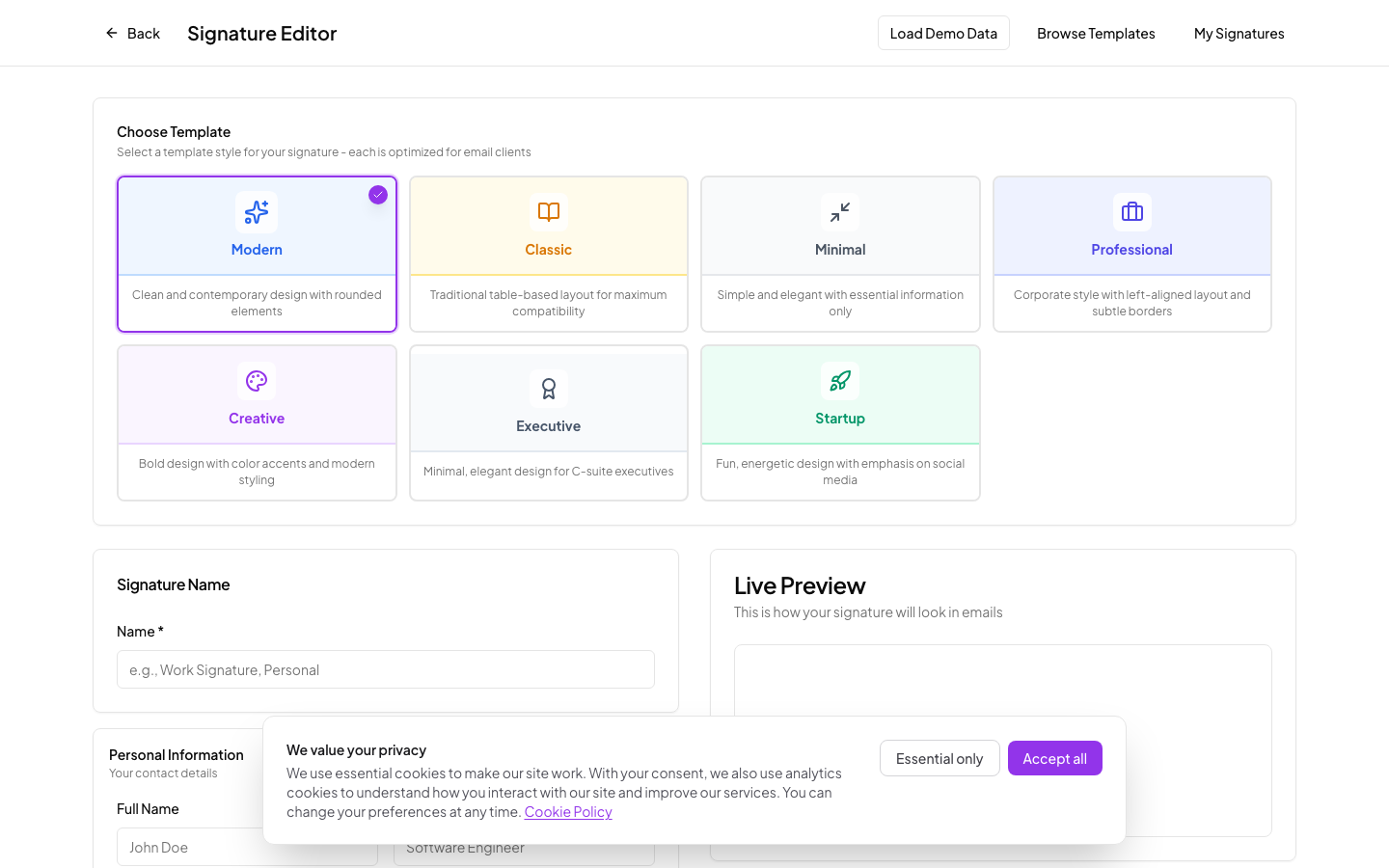
2. Add your details
Fill in your name, title, photo, colors, and social links.
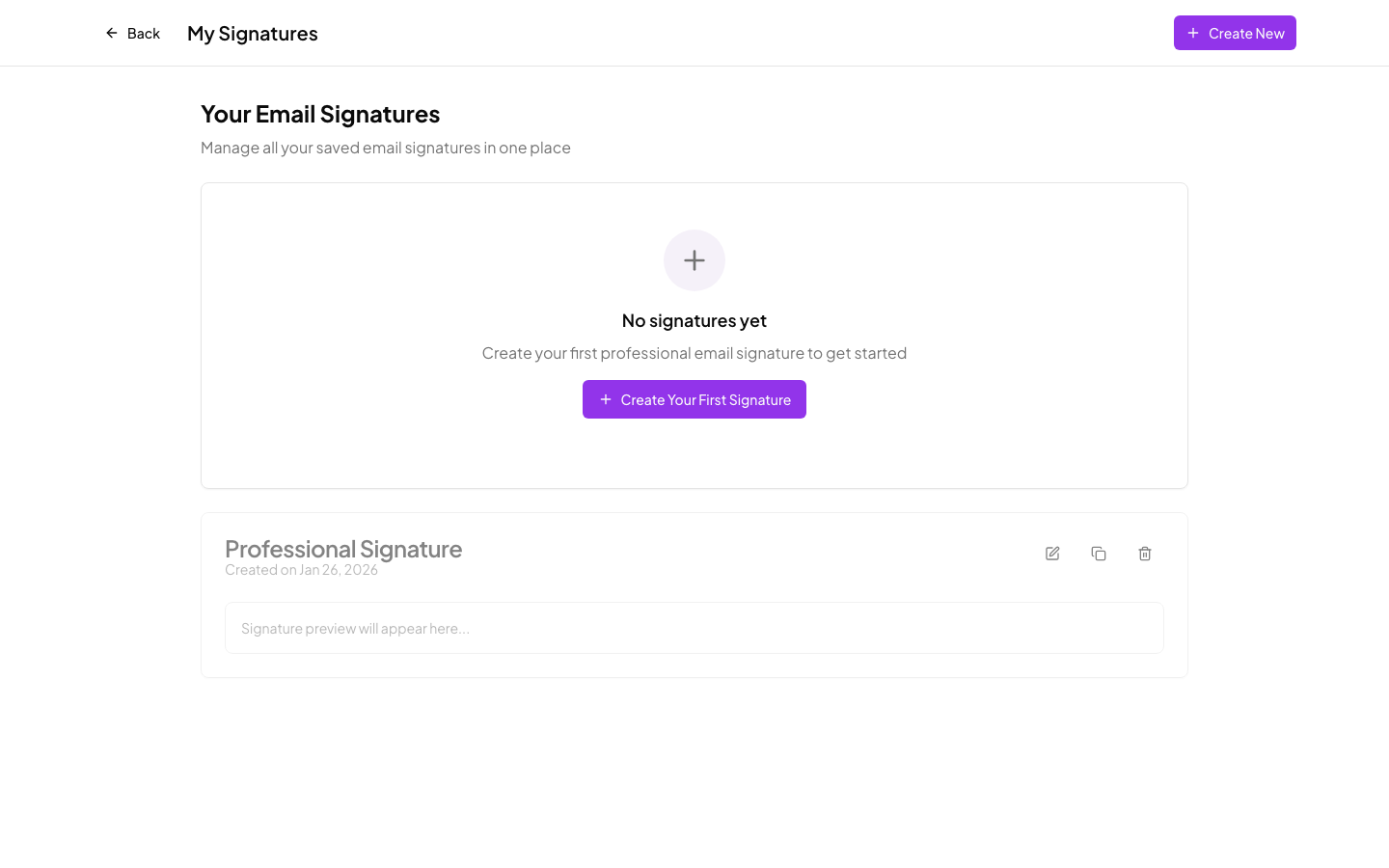
3. Copy and install
Copy to clipboard or download as HTML, then paste into your email client.
Installation instructions
Gmail
- Copy your signature to clipboard
- Go to Gmail Settings > General
- Scroll to "Signature" section
- Paste your signature (Ctrl+V or Cmd+V)
- Click "Save Changes"
Outlook
- Copy your signature to clipboard
- Go to File > Options > Mail > Signatures
- Click "New" to create a signature
- Paste your signature in the editor
- Click "OK" to save
Apple Mail
- Copy your signature to clipboard
- Go to Mail > Preferences > Signatures
- Click "+" to add a new signature
- Paste your signature
- Close preferences to save