Documentation
Guides for each PDF tool and the API
Dashboard overview


Manage all your PDF projects

Team workspaces for collaboration
Getting started
Sign up
Create your account to access all PDF tools
Pick a tool
Convert, merge, split, compress, or edit
Upload files
Drag and drop or click to upload your PDFs
Download results
Processing takes a few seconds. Then download
Tools in action
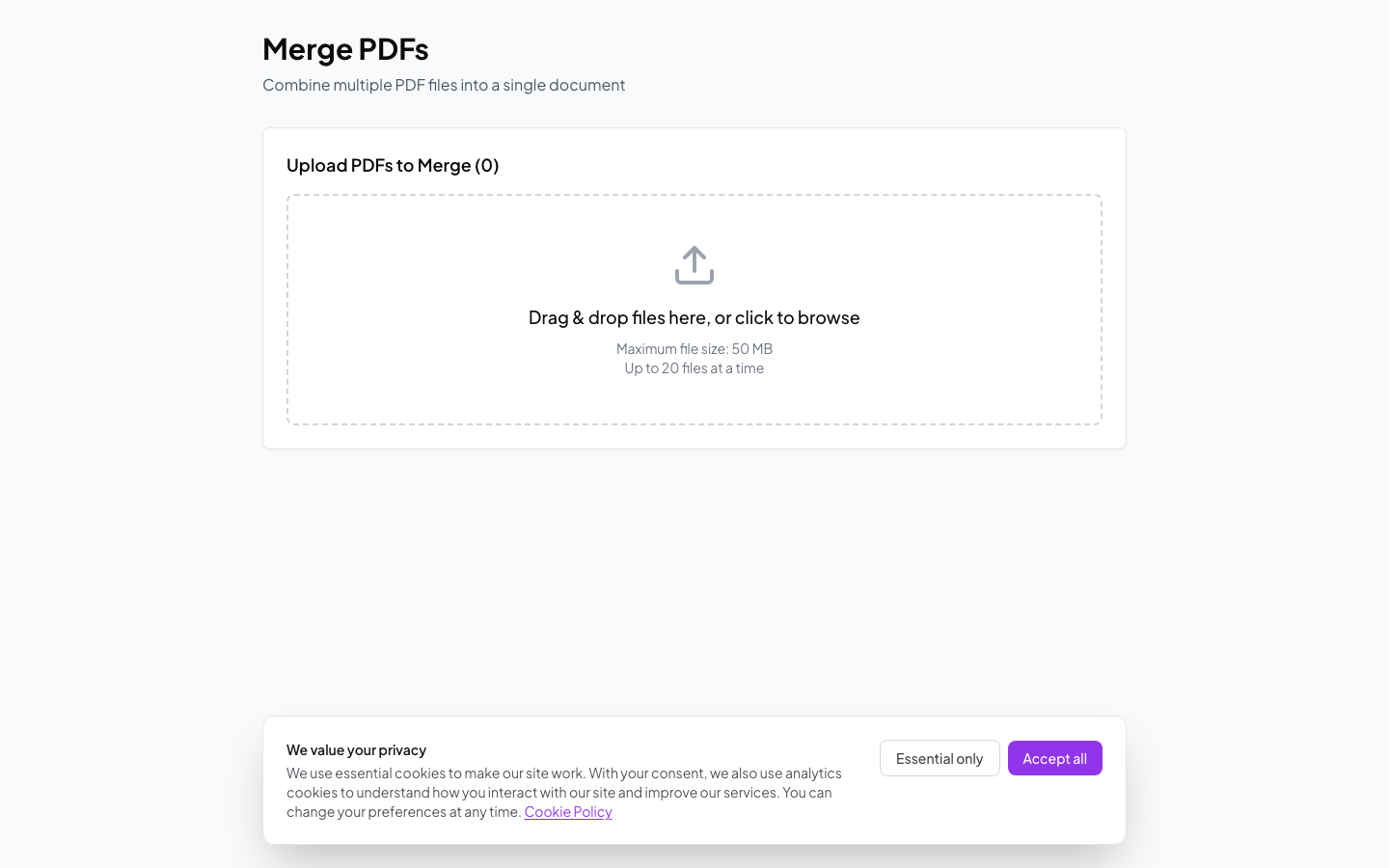
Merge PDFs
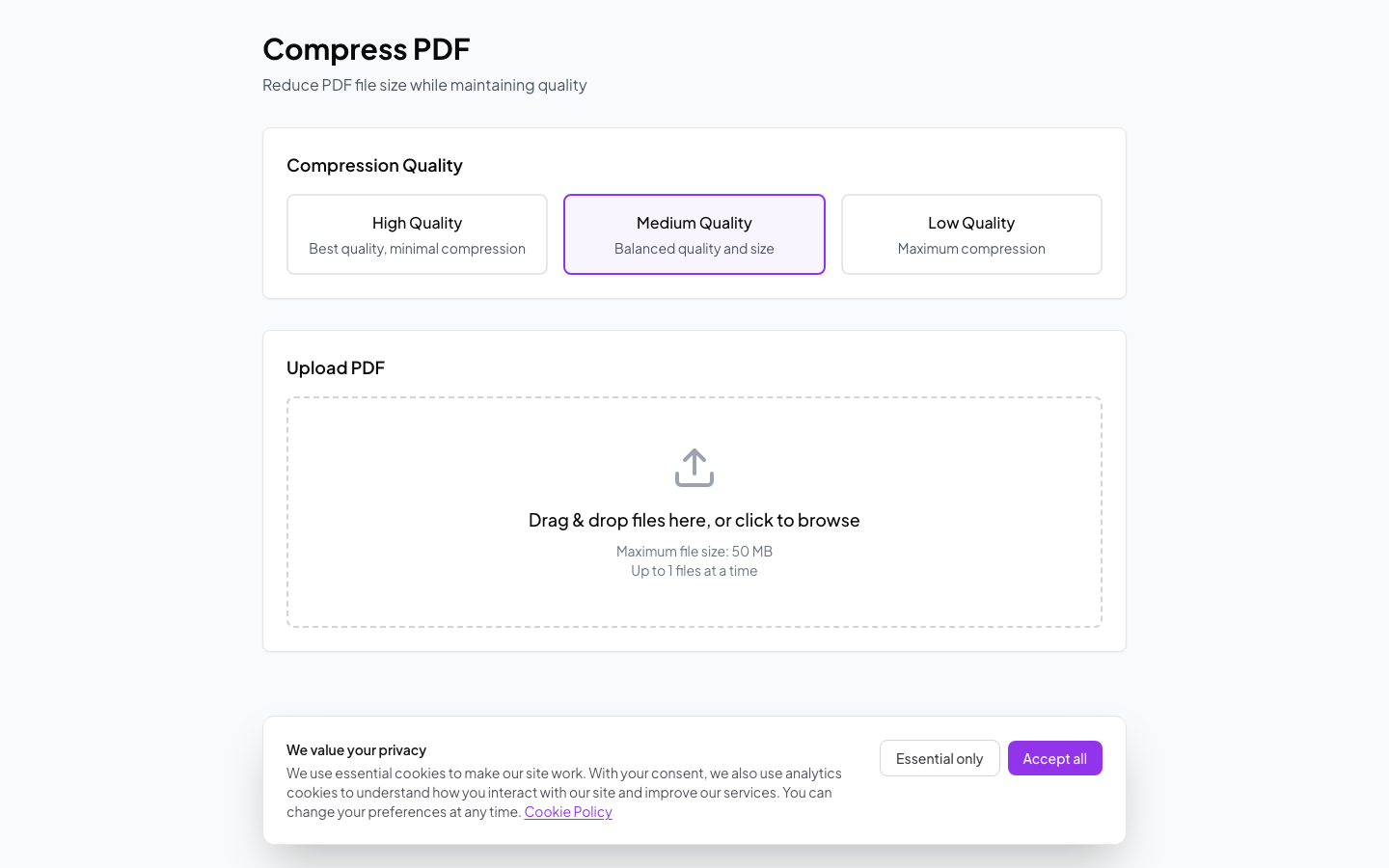
Compress PDFs
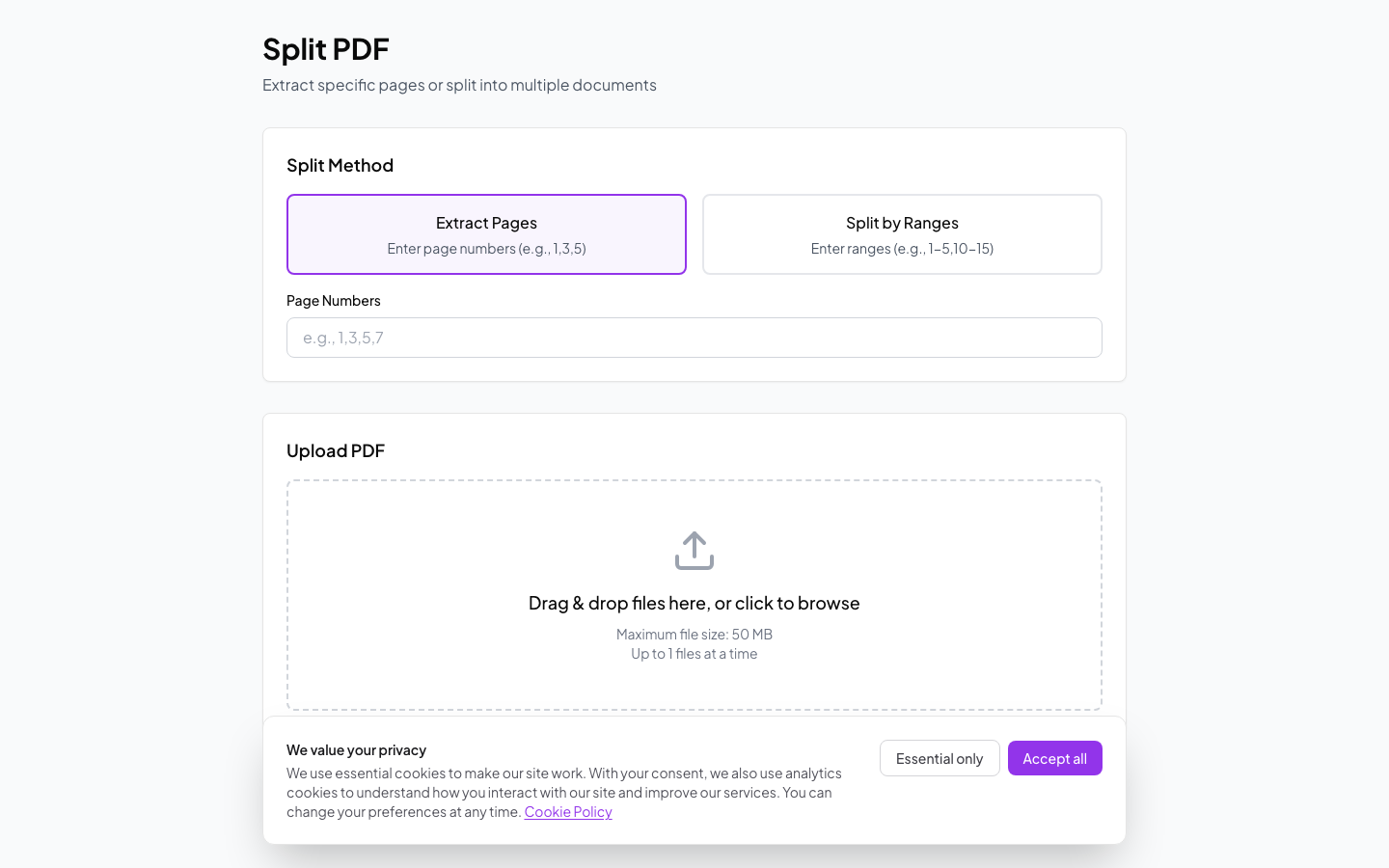
Split PDFs
Tools guide
Convert PDF
Convert PDFs to Word, Excel, PowerPoint, or images. Works the other way too.
- Keeps formatting intact
- Batch conversion
- Multiple formats
Merge PDFs
Combine multiple PDF files into one. Drag to reorder pages.
- No file limit
- Custom page order
- Fast processing
Split PDF
Extract specific pages or split by page ranges.
- Extract by range
- Split all pages
- Preview first
Compress PDF
Reduce file size. You pick the quality level.
- Adjustable compression
- Quality settings
- Batch processing
Edit PDF
Add text, images, shapes, and annotations to any PDF.
- Text editing
- Drawing tools
- Signature support
OCR
Turn scanned PDFs into searchable, copyable text.
- Multiple languages
- High accuracy
- Editable output
FAQ
What file size limits are there?
Free: 50MB, Pro: 200MB, Business: 500MB, Enterprise: 2GB per file.
How long are files stored?
Files are automatically deleted after 24 hours for security.
Can I batch process files?
Yes! Upload multiple files and process them all at once.
Is my data secure?
Yes! All files are encrypted in transit and at rest with 256-bit encryption.
How do I access the API?
API access is available on Enterprise plans. Check out our API documentation.